Big Walk Compass & Map Room — Navigation Guide

Quick answer: the Map Room is the first place that shows you the world's layout (unlocked by the Red Bridge Key, achievement Big View Verified (official)). There is no always-on minimap; orientation comes from landmarks, the map room, and reading the world from high points. A compass exists as an in-world object — how you use it is a community-taught skill, not a UI feature.
The Map Room
Hint: the building the Red Bridge Key opens. Go there first — it makes the whole world legible.
Stronger: the Map Room shows the world's shape and orients your group for the tower chain. It is the intended first milestone of the run.
Orientation without a compass
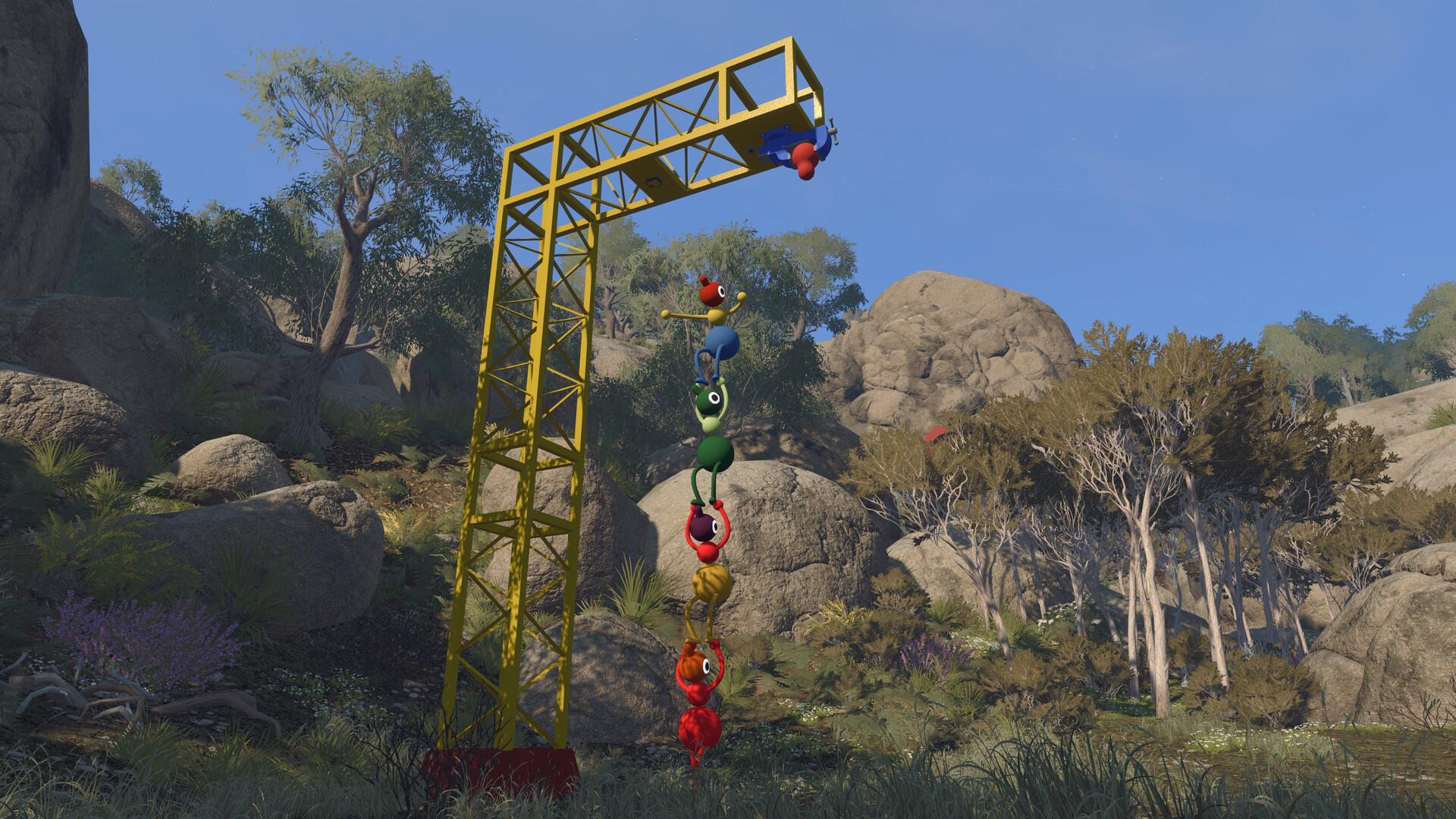
- Read the towers — the five tower landmarks are visible from most high ground and give you an east/west sense.
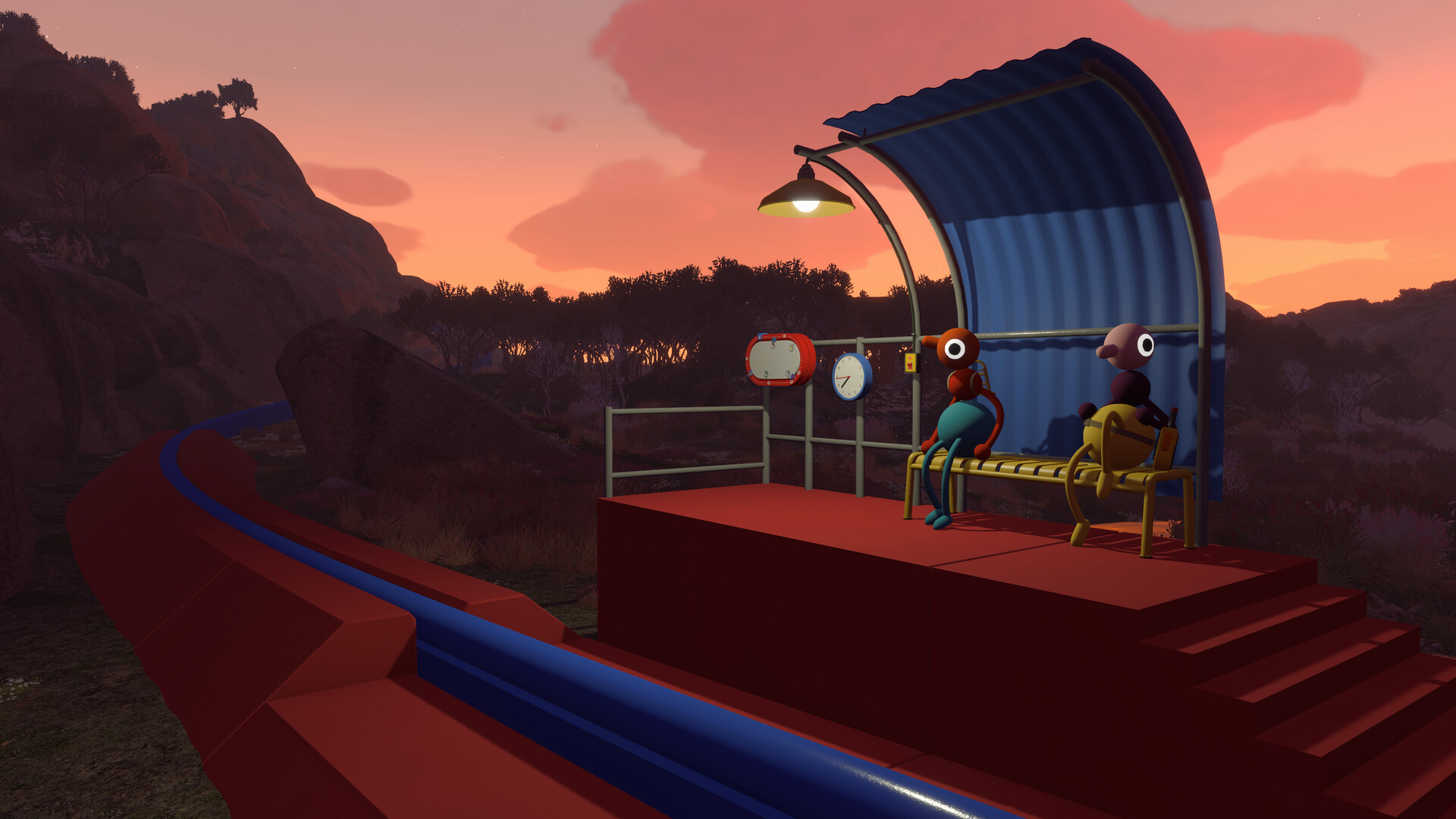
- Use the chairlift and train as reference — transit lines are the world's spine; if you're lost, find a station.
- Listen — proximity voice chat fades with distance: your group's chatter literally tells you how far apart you are.
Using the compass object
Hint: it is a physical thing you pick up — not a corner-of-screen gadget.
Stronger: Needs verification sources describe picking up the compass and reading it like a real compass; mention of its best use is still anecdotal. If your goal is getting un-lost, the Map Room and tower sightlines are the reliable path.
When you're lost
Retrace to the last landmark you recognise, or ask for a walkie-talkie channel — the person who knows the way can talk you back. The radio and walkie-talkie page covers the channel tools.
Sources & evidence status
Evidence checked against the live game and community sources. Map Room & Big View: Verified (official). Compass usage: Needs verification.